Build and Defend Your Raft How to Redeem Codes
Find the Shop, type the string exactly, and spend the gift before the next raid lands.
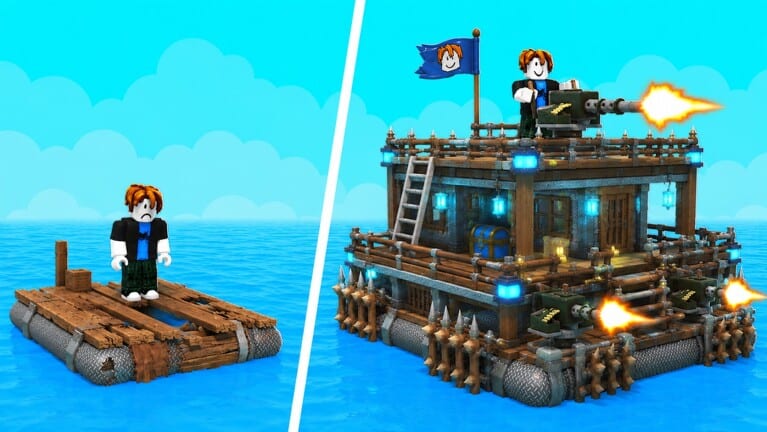
Build and Defend Your Raft hides codes in the Shop, not in chat. That matches how a lot of new Roblox places work and it matches the first public codes write-up for this title. There are still no working codes, so this page is practice. When Raft Pirates drop a string after a Saturday patch, you should already know the clicks.
If you have not spawned yet, skim Getting Started. If you already have a gift sitting in inventory, jump to what codes give so you do not spend it on a flag.
Step-by-step
- Launch Build and Defend Your Raft on Roblox from the official place.
- Wait until your raft actually loads. Redeem GUIs often fail on the spawn fade.
- Look for a Shop button on the HUD. On PC it is usually a side icon. On mobile it is a labeled button you can miss behind the jump pad — see controls.
- Open Shop and find the redeem field. It may say Redeem, Code, or Promo.
- Type the code exactly. Case and spaces matter.
- Press Redeem once. Wait for a success note.
- Close the Shop and spend the reward using raft priority.
Do not paste codes into Roblox chat. Chat is not the Shop. Do not paste them into a random website that asks you to log in. That is how accounts vanish.
Before you type anything
Favorite the game. Join the Raft Pirates group if you have not. Some Roblox titles silently reject codes until you like, favorite, or join. The listing already asks you to favorite for more updates. Do it once.
Check this wiki’s codes hub against the string you found. If we still say none active, and a thumbnail promised 99,999 wood, believe the Shop when it says invalid.
If the code fails
- You already used it on this account. Most codes are once per user.
- You mistyped a capital.
- The code expired between the YouTube upload and your session.
- You are on a different place with a similar raft name. Confirm the title is Build and Defend Your Raft by Raft Pirates, place 129096378231329.
- The Saturday patch reset the Shop UI. Re-open it.
Wait a few seconds between tries. Spamming Redeem can lock the box. If it still fails, leave it. Hunt wood with how to build instead of standing in the Shop during a raid.
Device notes
PC: click, paste with Ctrl+V if the box allows paste, confirm. Some Roblox text boxes block paste — type it.
Console: use the on-screen keyboard. Watch for extra spaces at the end.
Mobile: rotate if the Shop is clipped. Tap the field once, wait for the keyboard, then type. Fat-fingered O and 0 are the usual fail.
After a success
Close the GUI. Look at inventory or the currency counter. Then spend. A boost ticking down while you emote on the roof is a wasted skip. Put it into Crafting Table tiers and defenses. If a raider is already on the ladder, spend after you close the door — see how to defend.
Saturday ritual
New content drops every Saturday. After you load:
- Walk the ring.
- Open Shop.
- Compare with codes.
- If a new string is up, redeem, then play.
That ritual also lives on Saturday patches. Codes are not scripts. If someone in chat mixes a loadstring with a “code,” that is an executor pitch. Send them to scripts and keep your password off their link.
When the first real code lands, this page will still be the click path. The table of working strings will live on the hub, not here, so you have one list to copy from.
Frequently Asked Questions
Quick answers for raft builders and raiders.
Where is the redeem box?
Inside the Shop after your raft loads. It is not Roblox chat.
Why does my code say invalid?
It is expired, mistyped, already used, or not a real code. Recheck the codes hub.
Do I need to favorite the game?
Do it anyway. Raft Pirates ask you to, and many Roblox codes silently require a like, favorite, or group join.